re:mind
A stoma bag system attachment device that alerts new stoma bag users of when to empty and change their stoma pouches, reducing social anxiety and improving quality of life
Final Year Design Week at Loughborough University, 2023
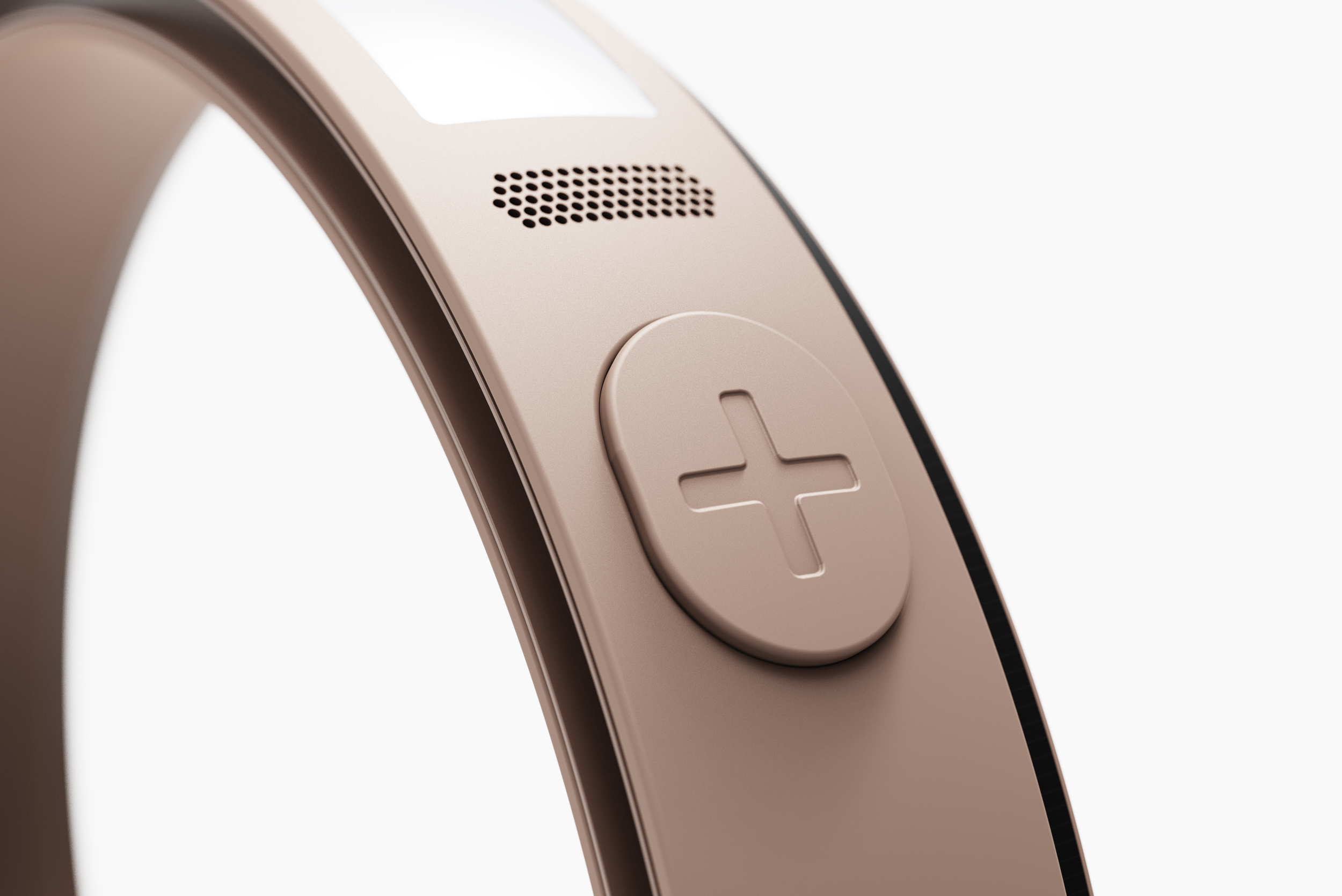
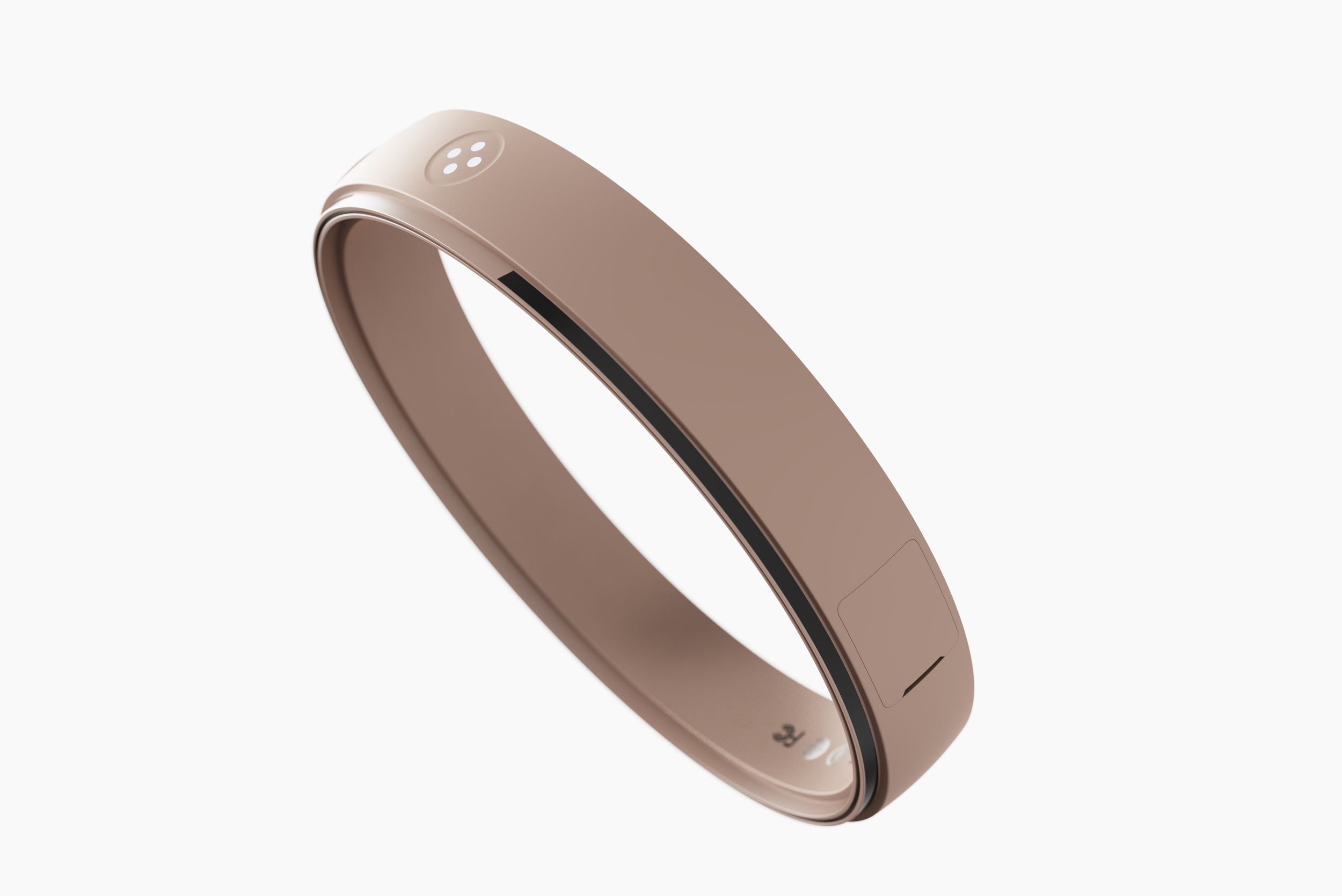
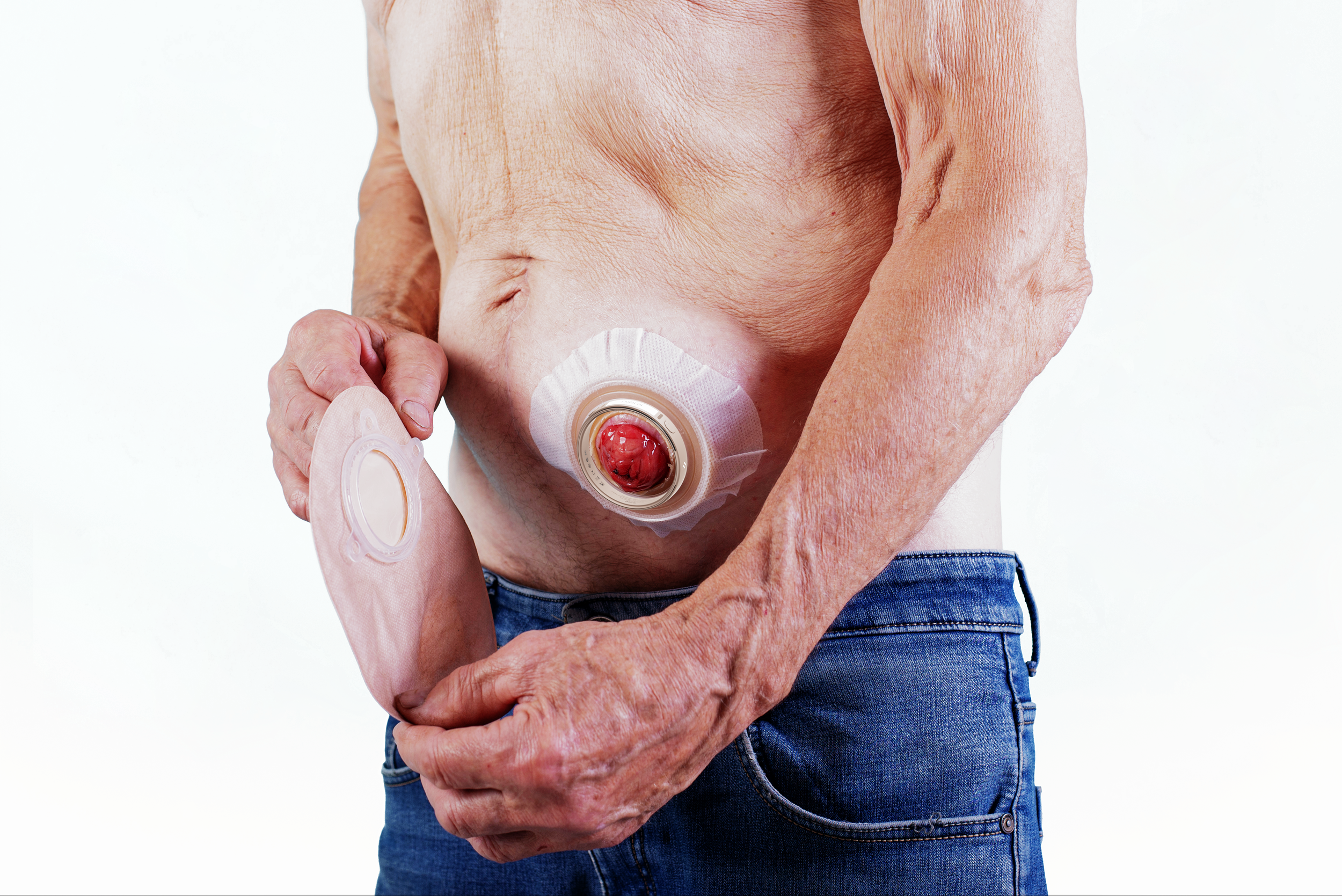
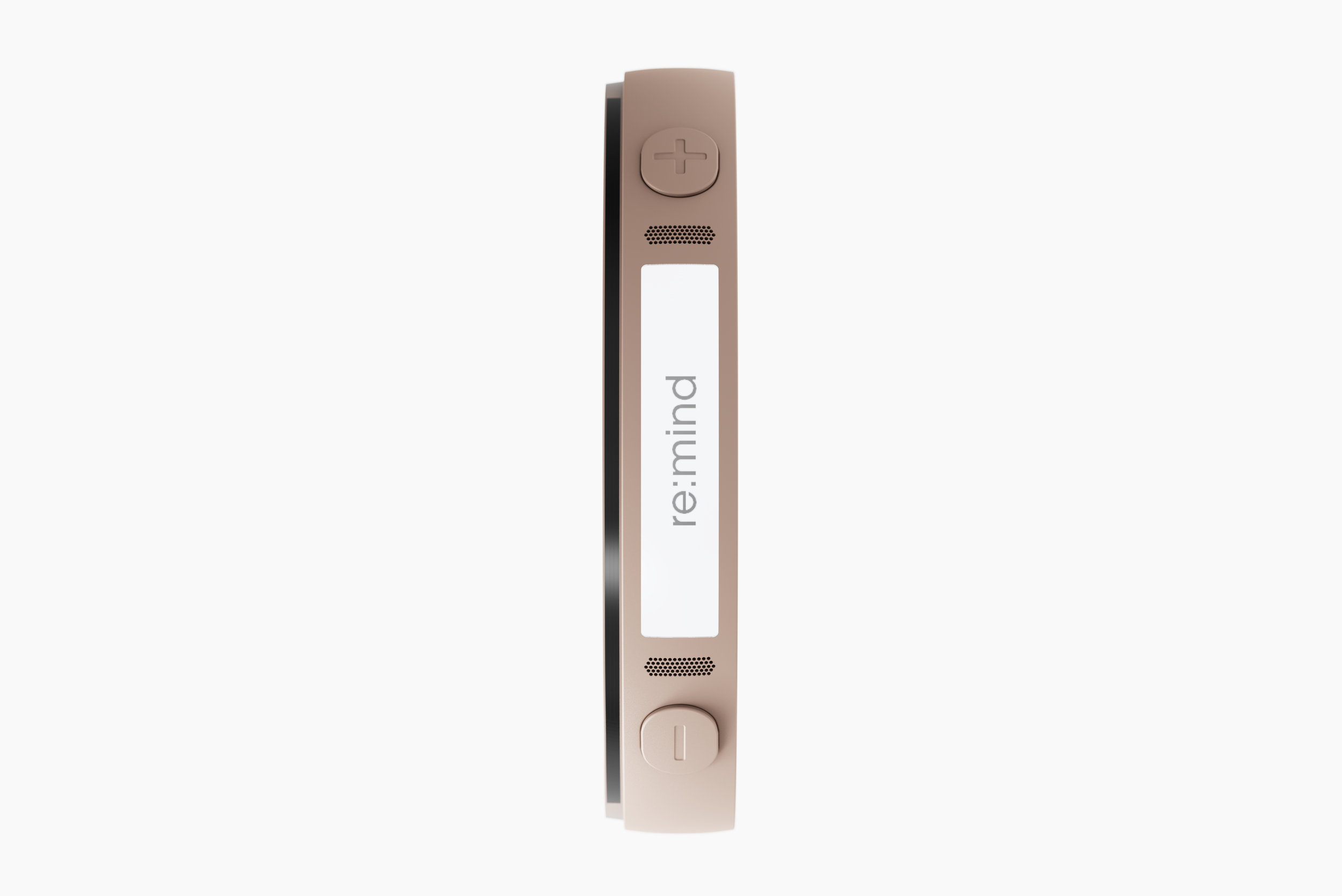
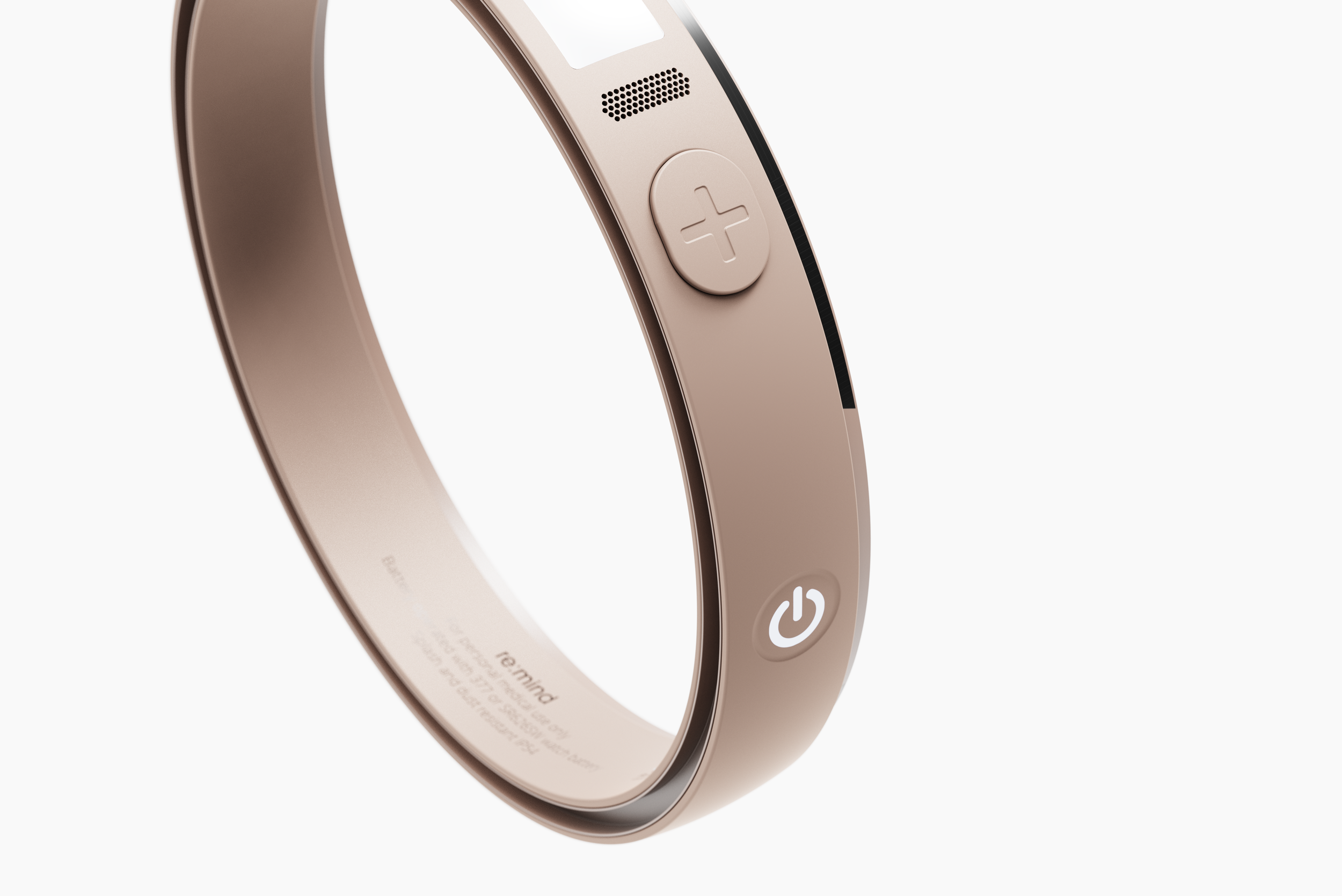
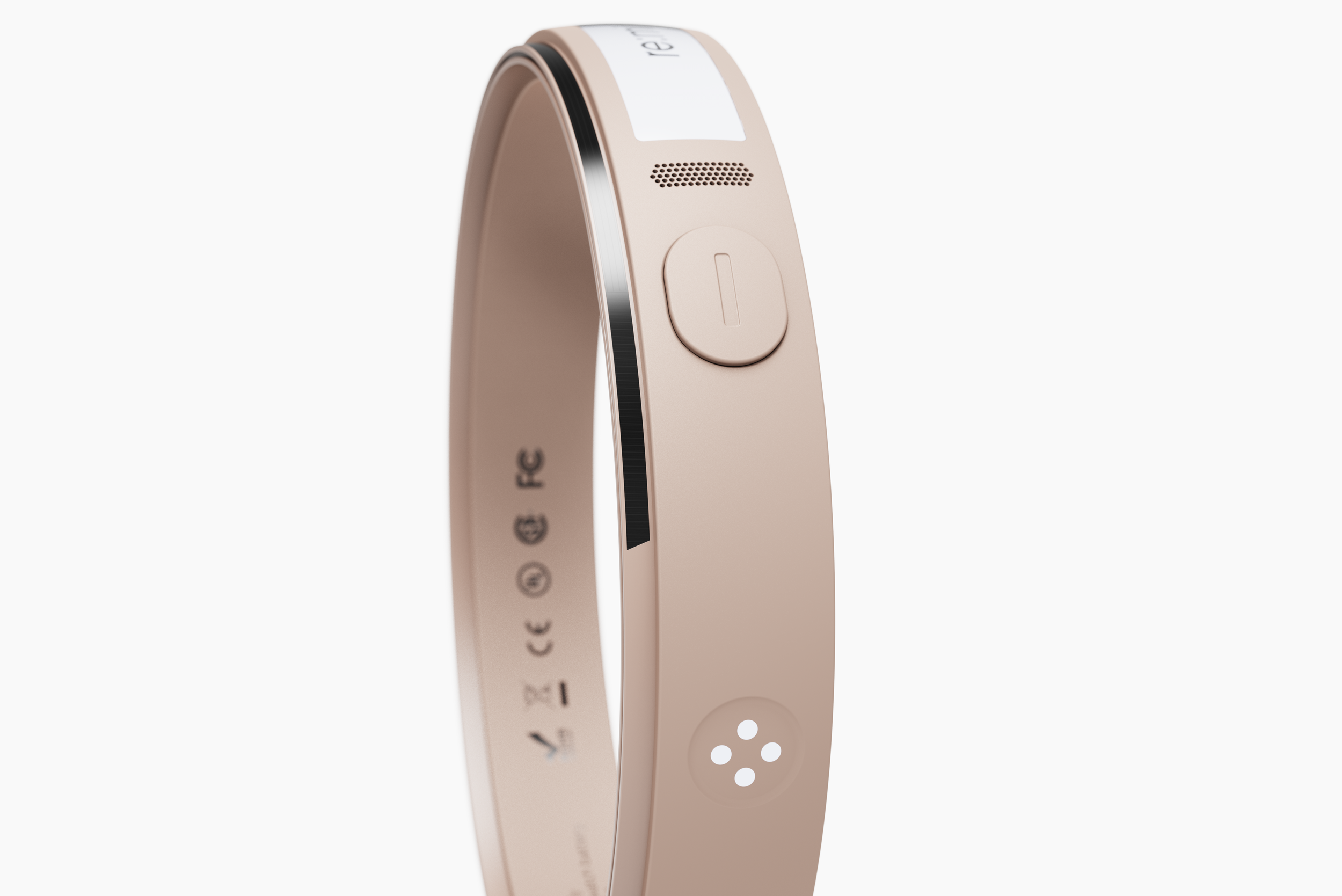
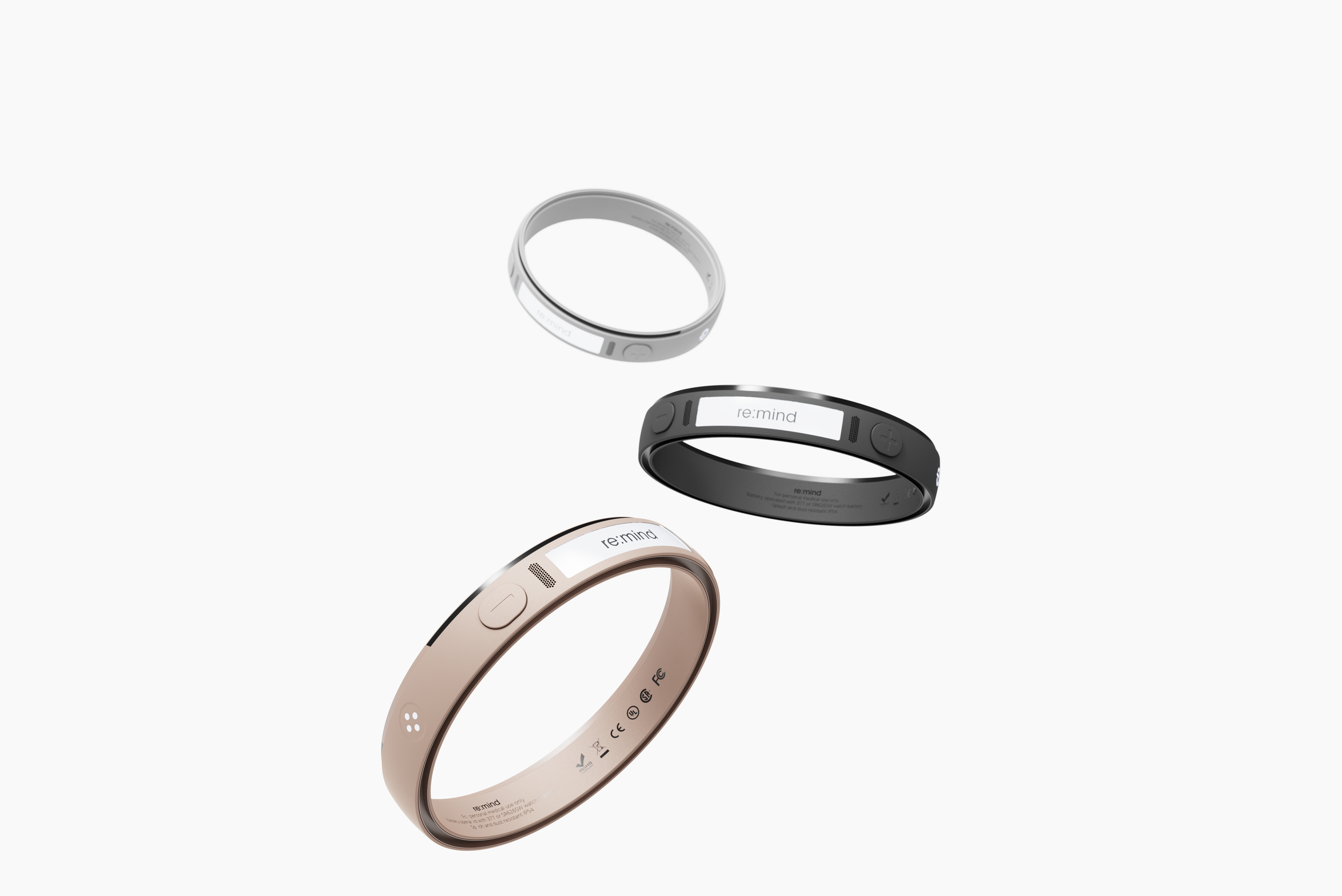
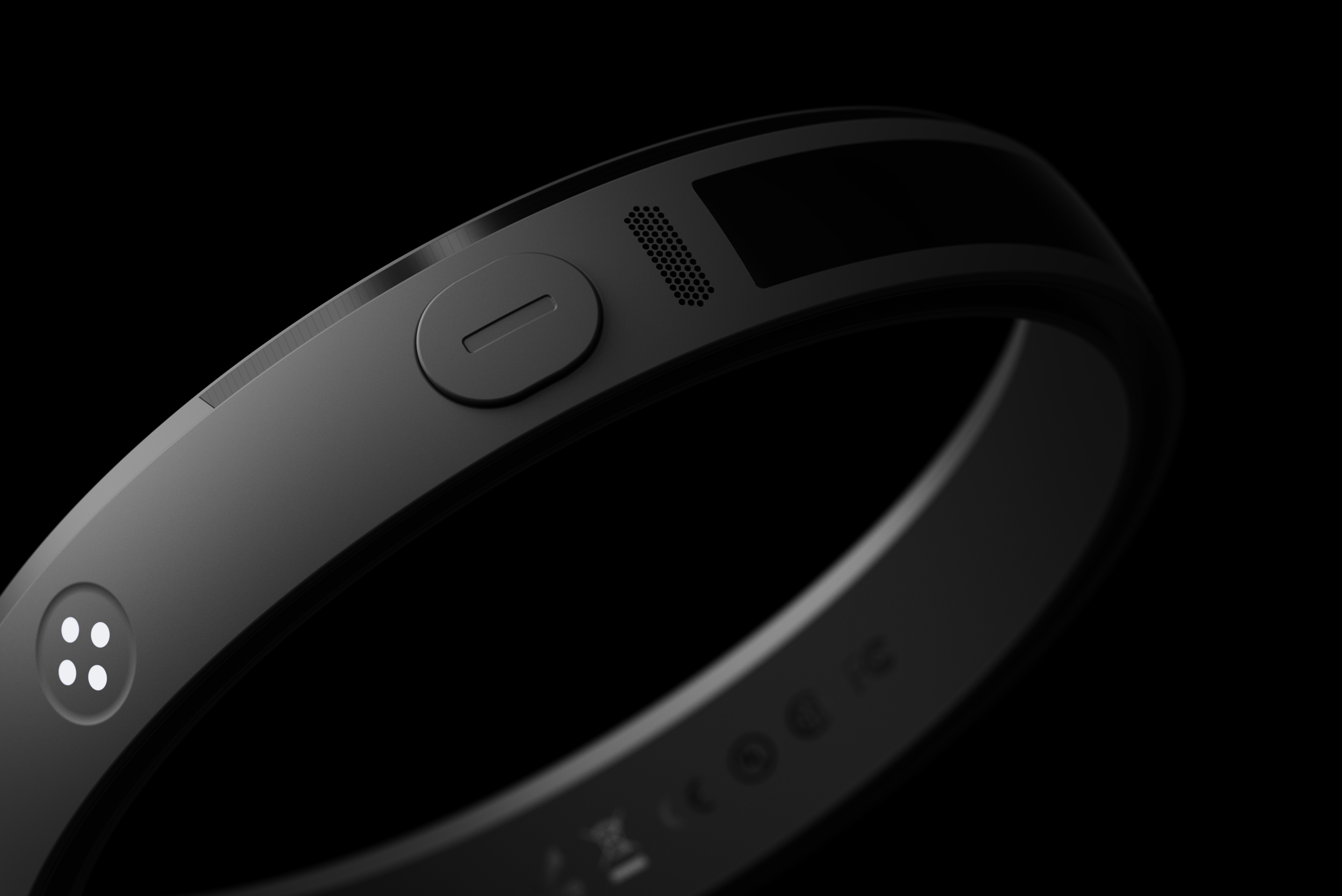
re:mind was designed to create a new passive healthcare experience for individuals living with a stoma bag system. Many people experience drastic and adverse changes to their quality of life after a colonostomy or ileostomy, where the presence of a stoma bag is associated with a variety of complex problems. re:mind’s sleek and subtle design paired with an intuitive user interface, makes the stoma bag system management experience much simpler and straightforward. The device’s slim silhouette and tidy form allow for the user to conveniently clip it to the flanges of the stoma pouch, positioning it between the baseplate and pouch without disrupting the overall stoma bag system. With a small digital display and four buttons to adjust settings accordingly, re:mind is a thoughtful solution to providing an ambient and passive healthcare experience that helps individuals with managing their conditions. Through using re:mind, users will gain a renewed sense of self-confidence with a reduced emphasis on stress and anxiety associated with managing their stoma bag, improving their quality of life.
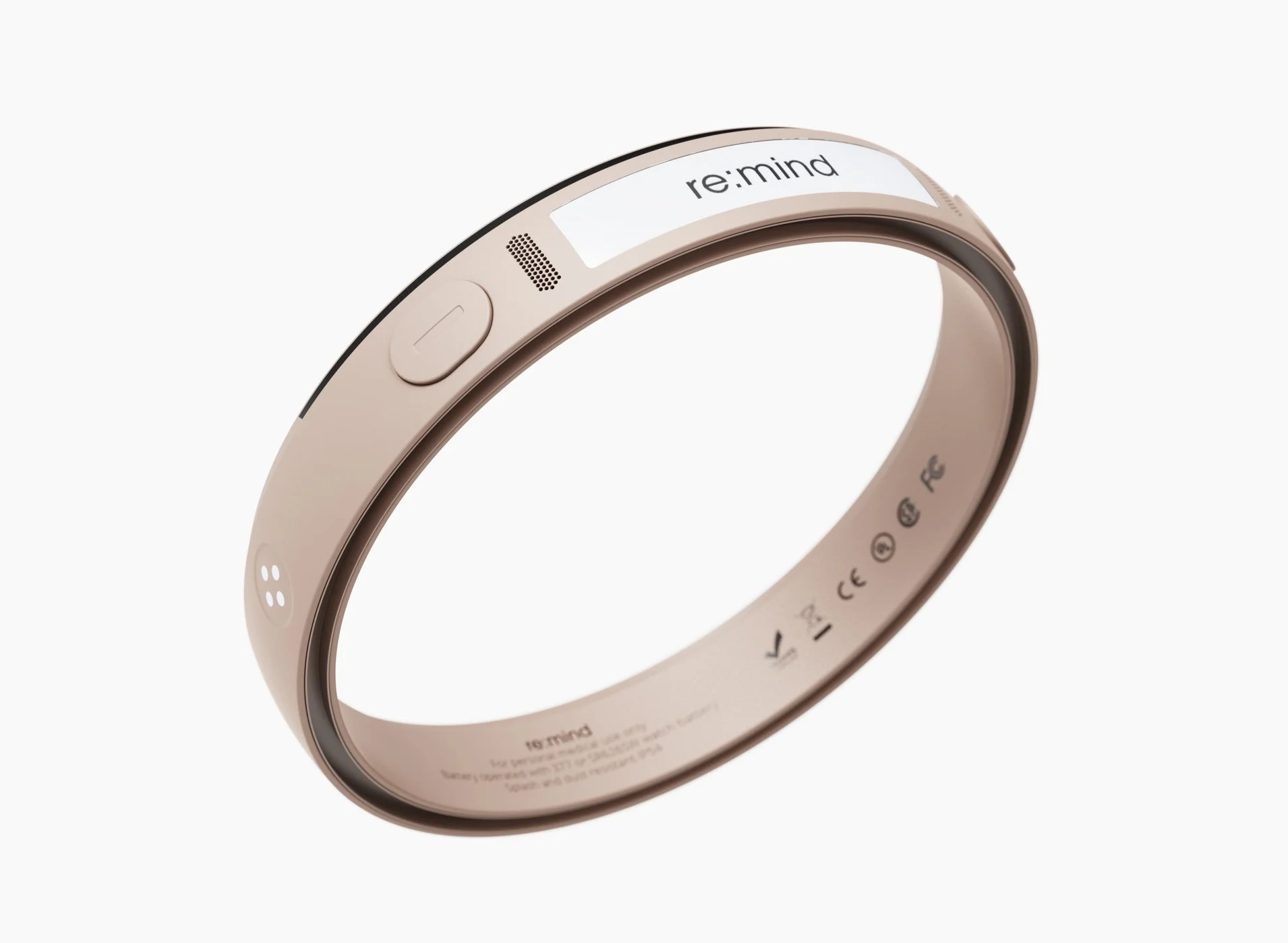
An easy, ambient healthcare experience
How it works
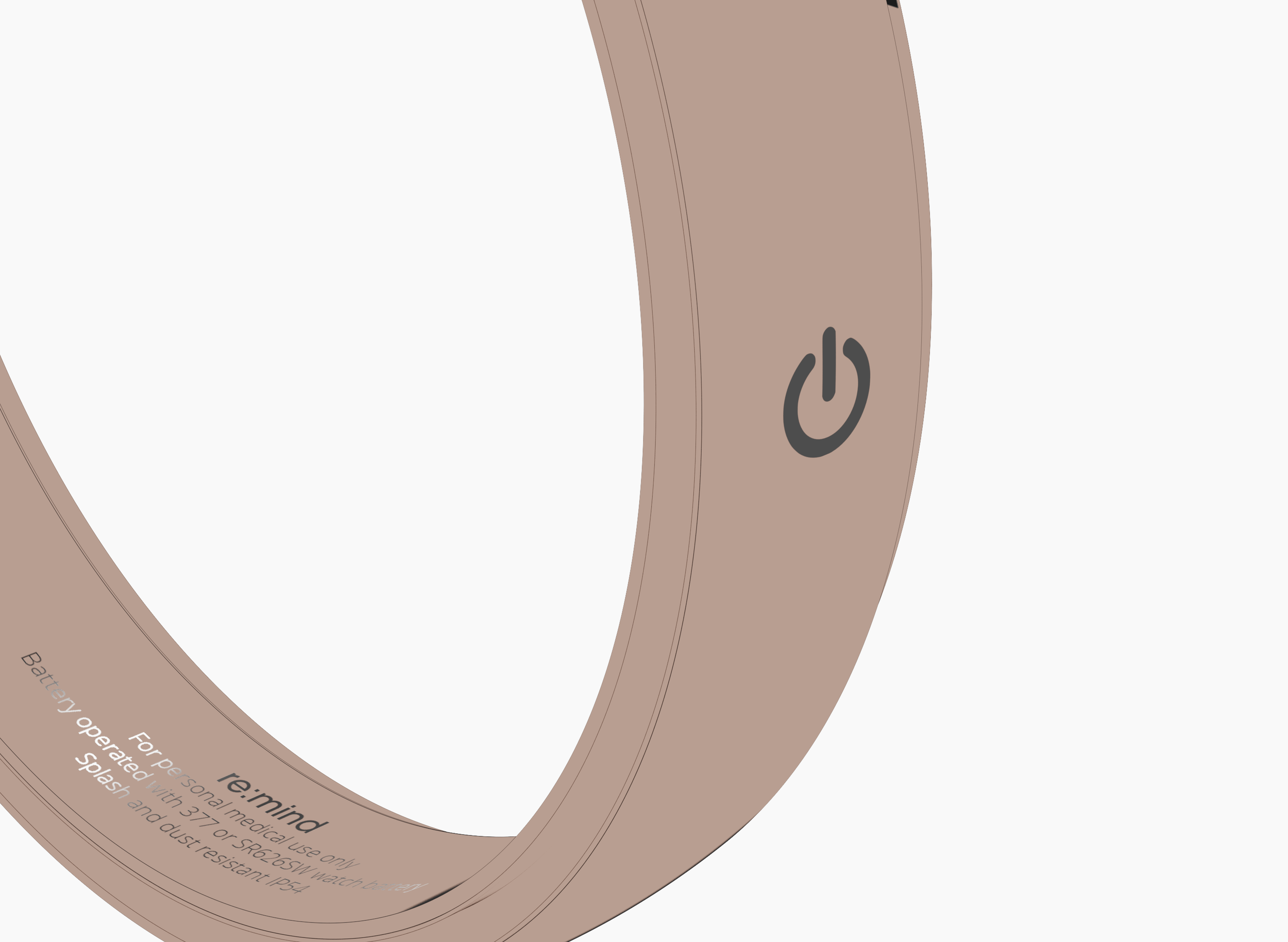
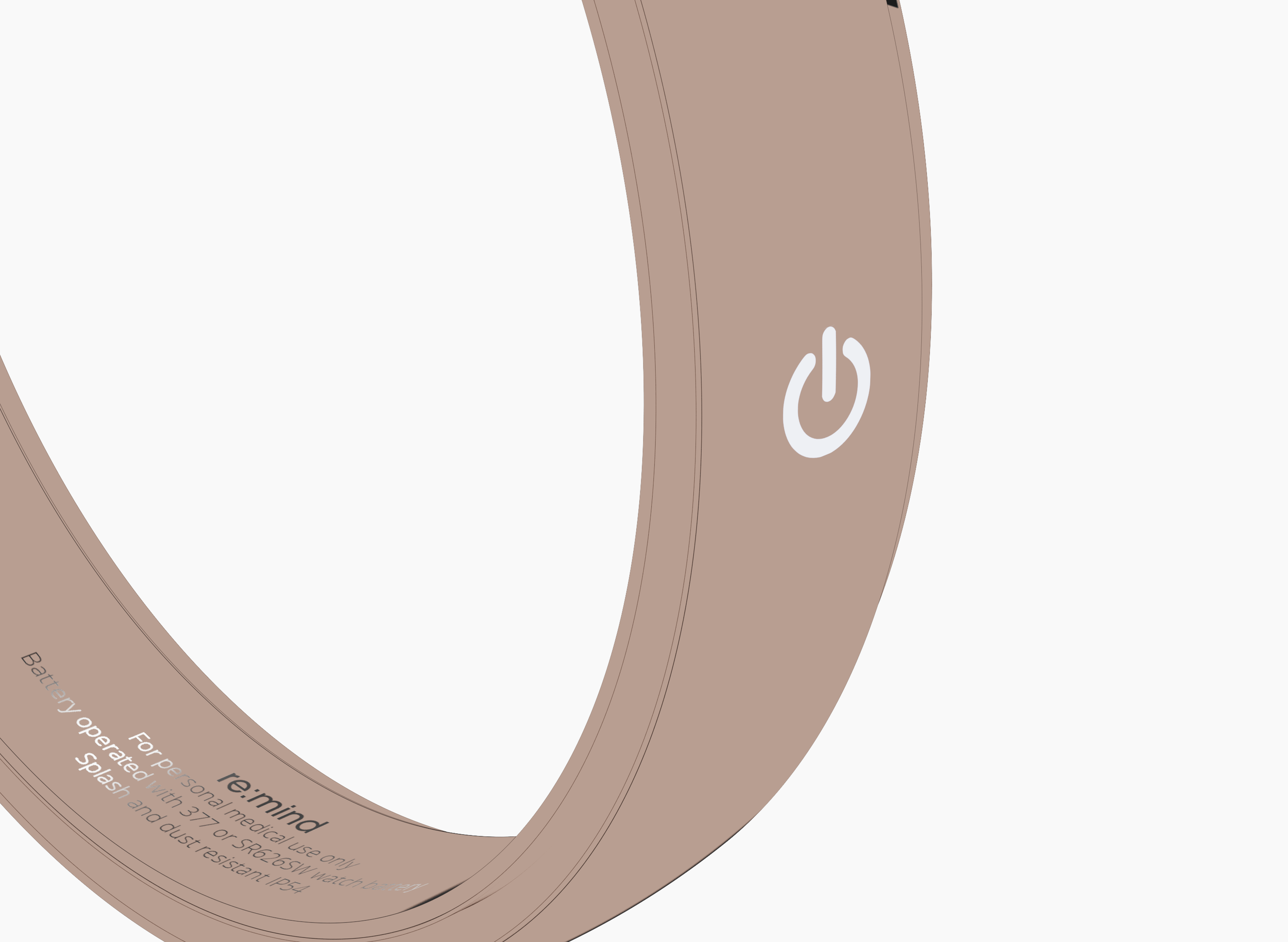
1| Pick up the device and switch it on.
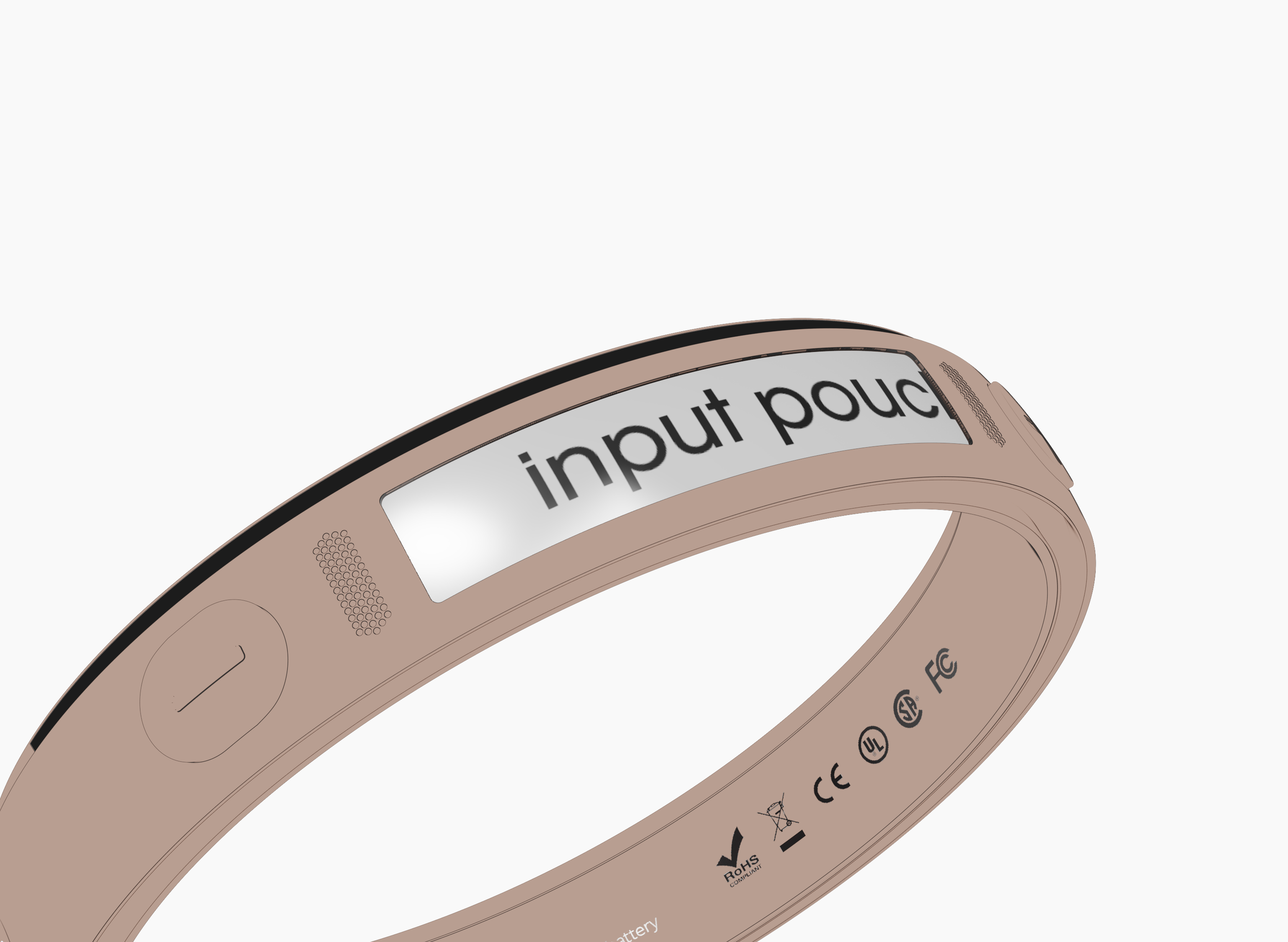
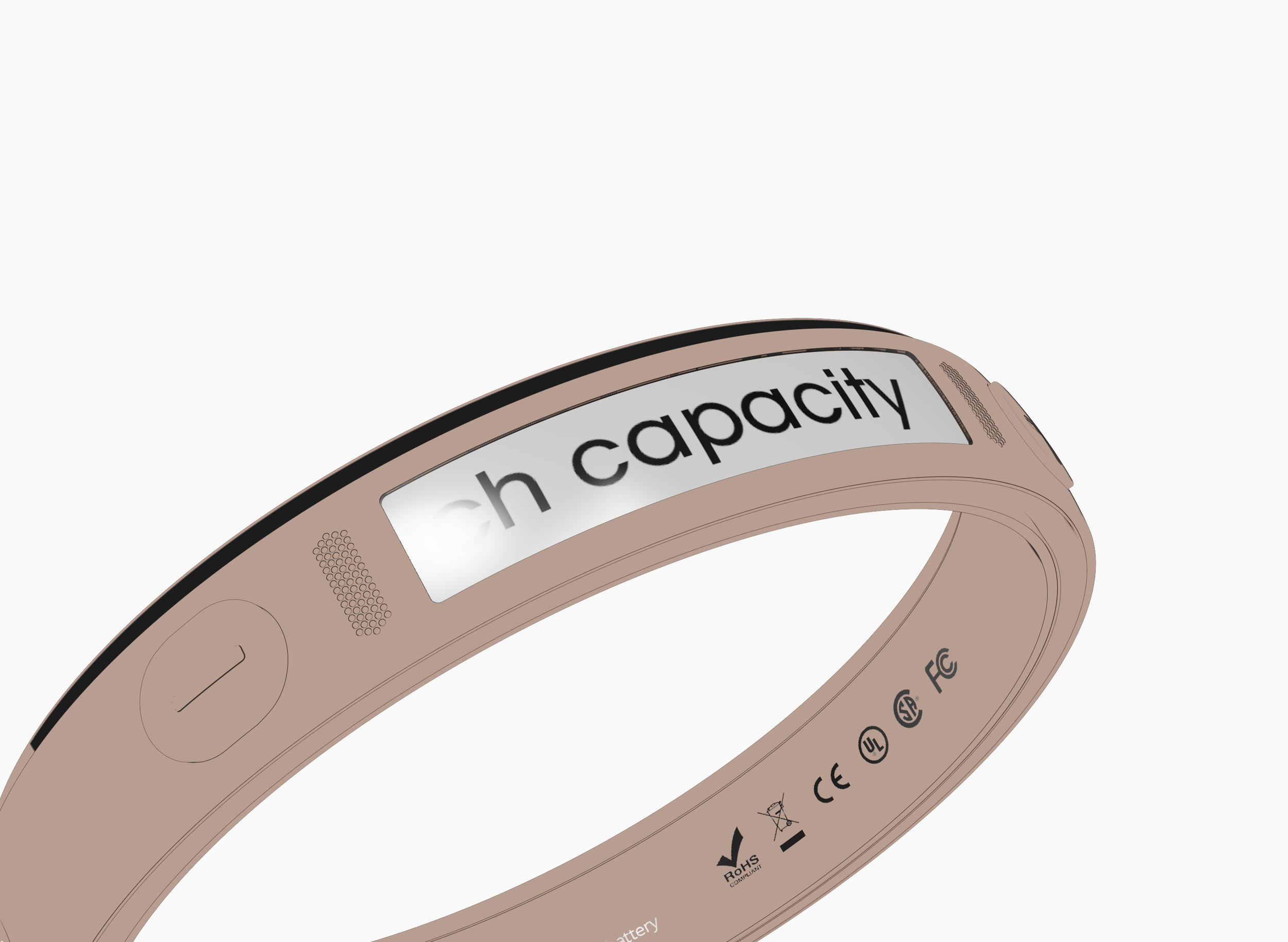
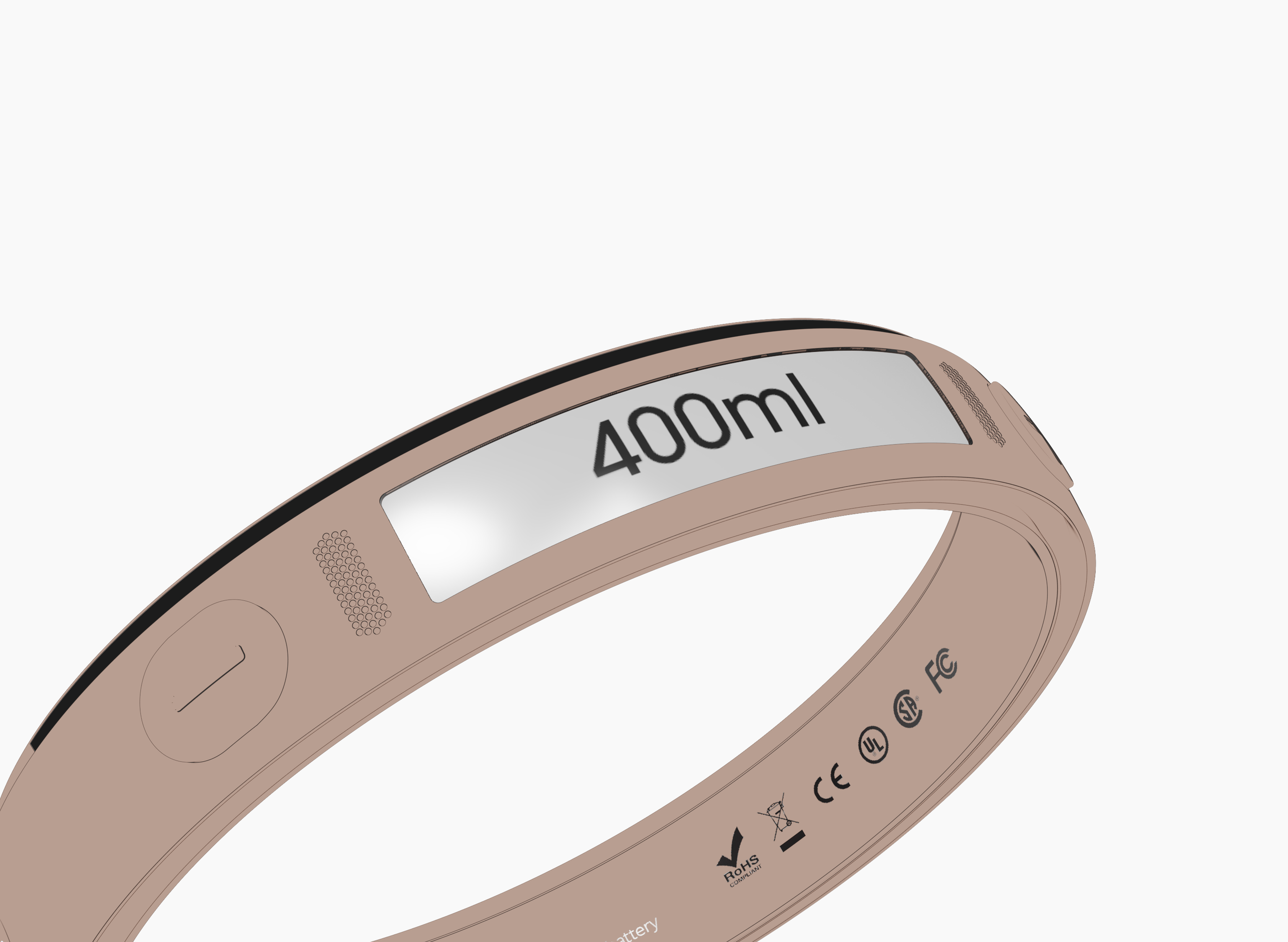
2| Input the stoma pouch’s volume capacity into the device.
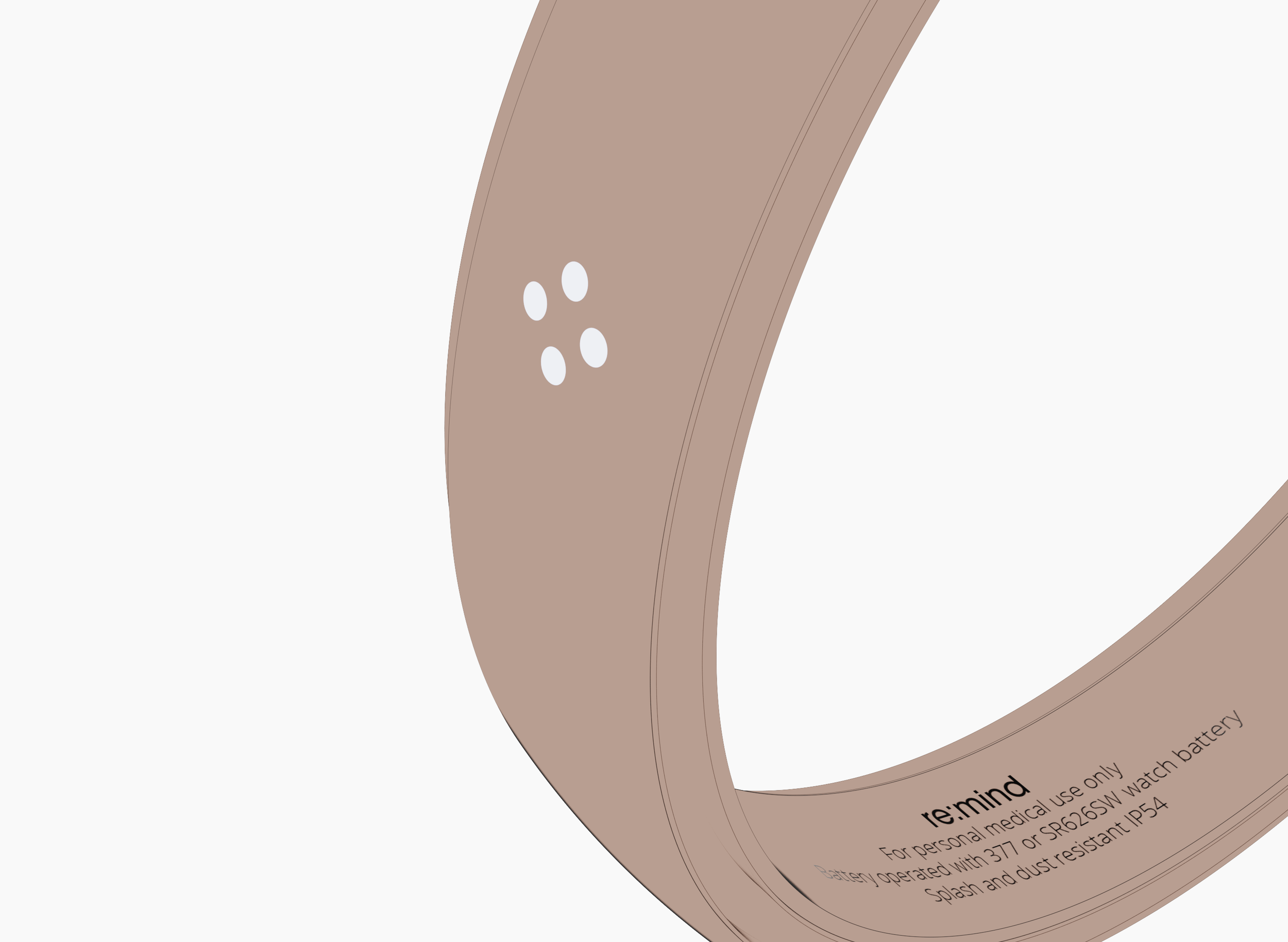
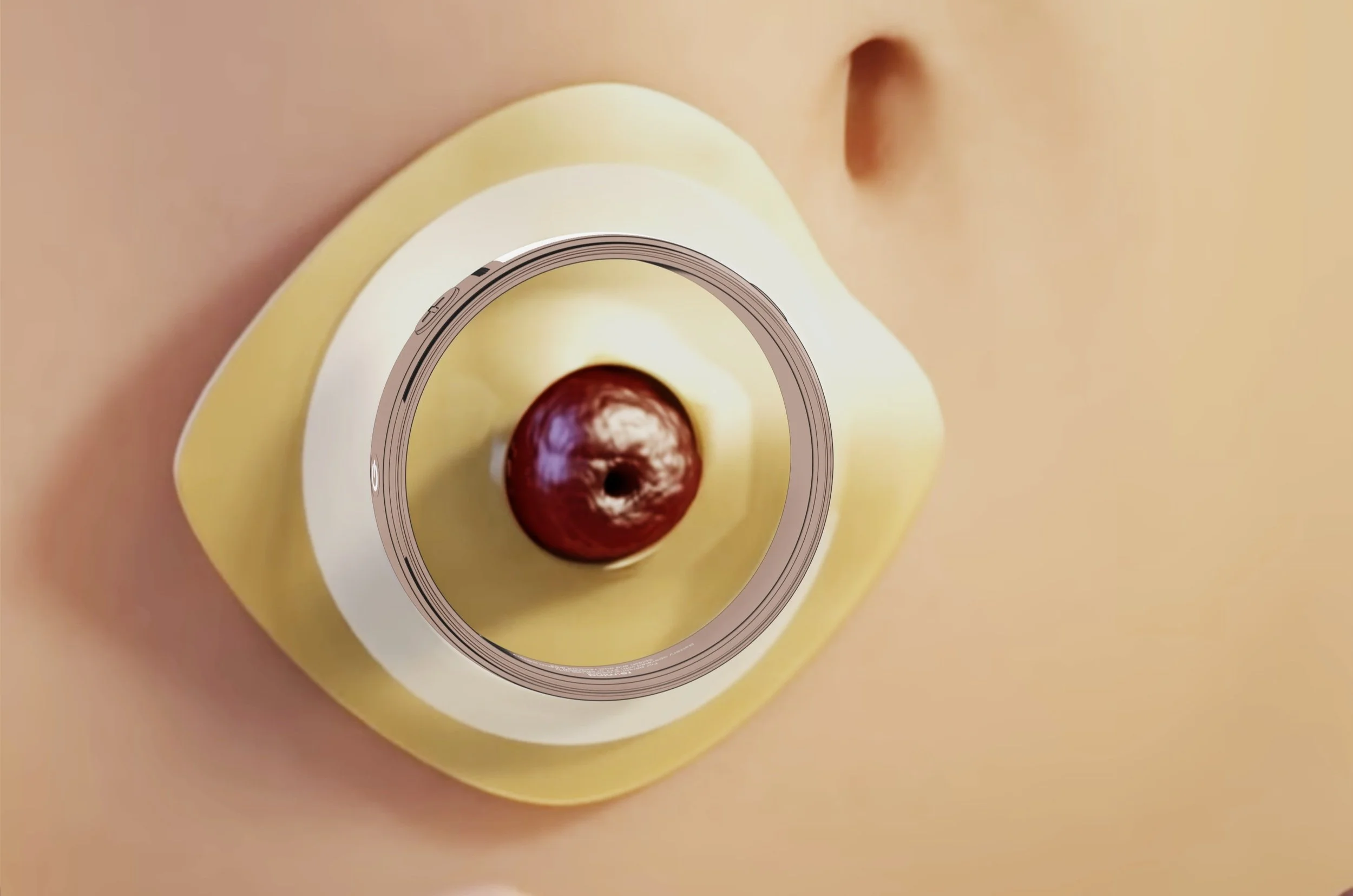
3| Snap the device onto the skin barrier with the pressure-fit snap ring.
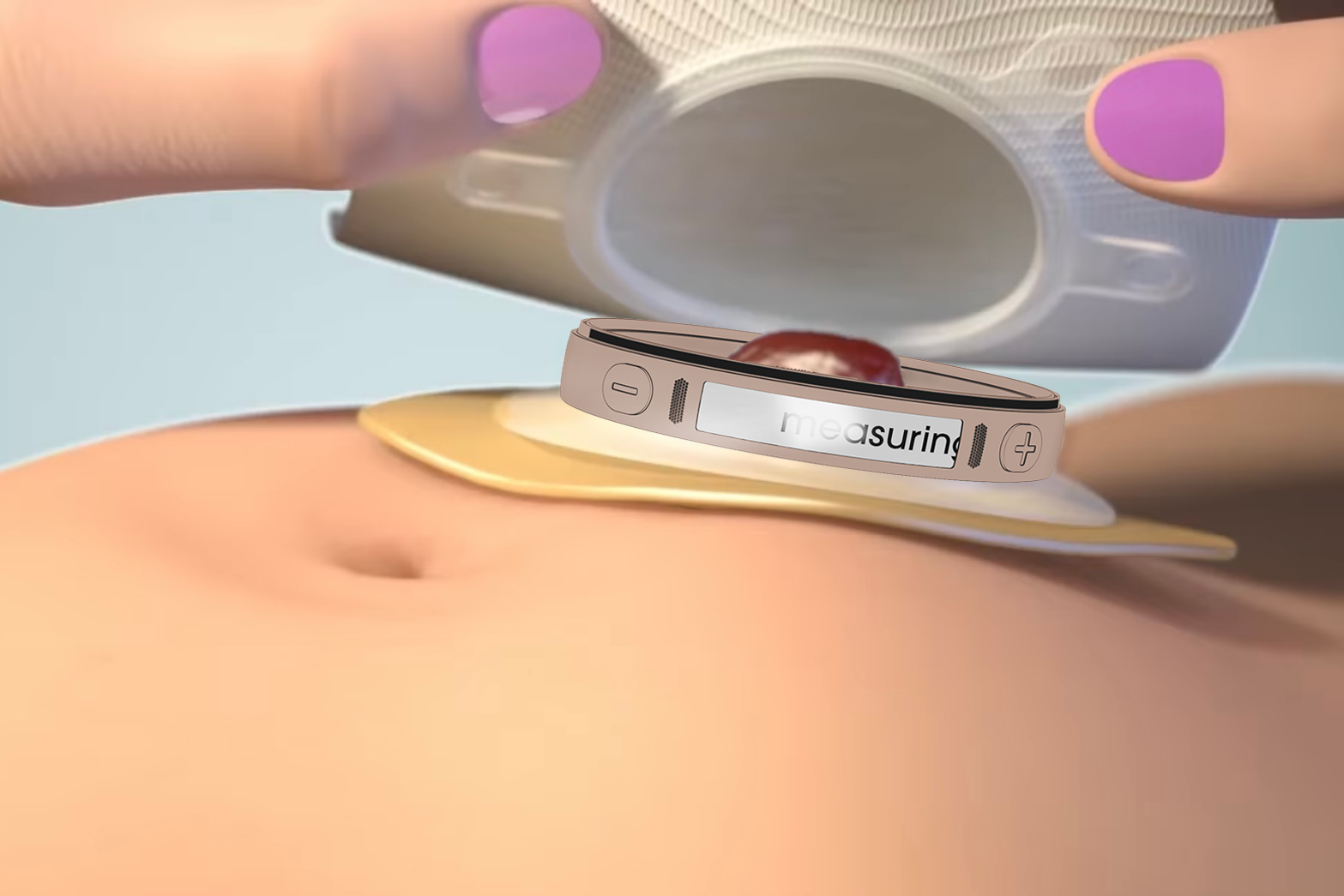
4| Snap the collection pouch onto the device that is attached to the skin barrier and activate the time and scale to begin weighing and timing.
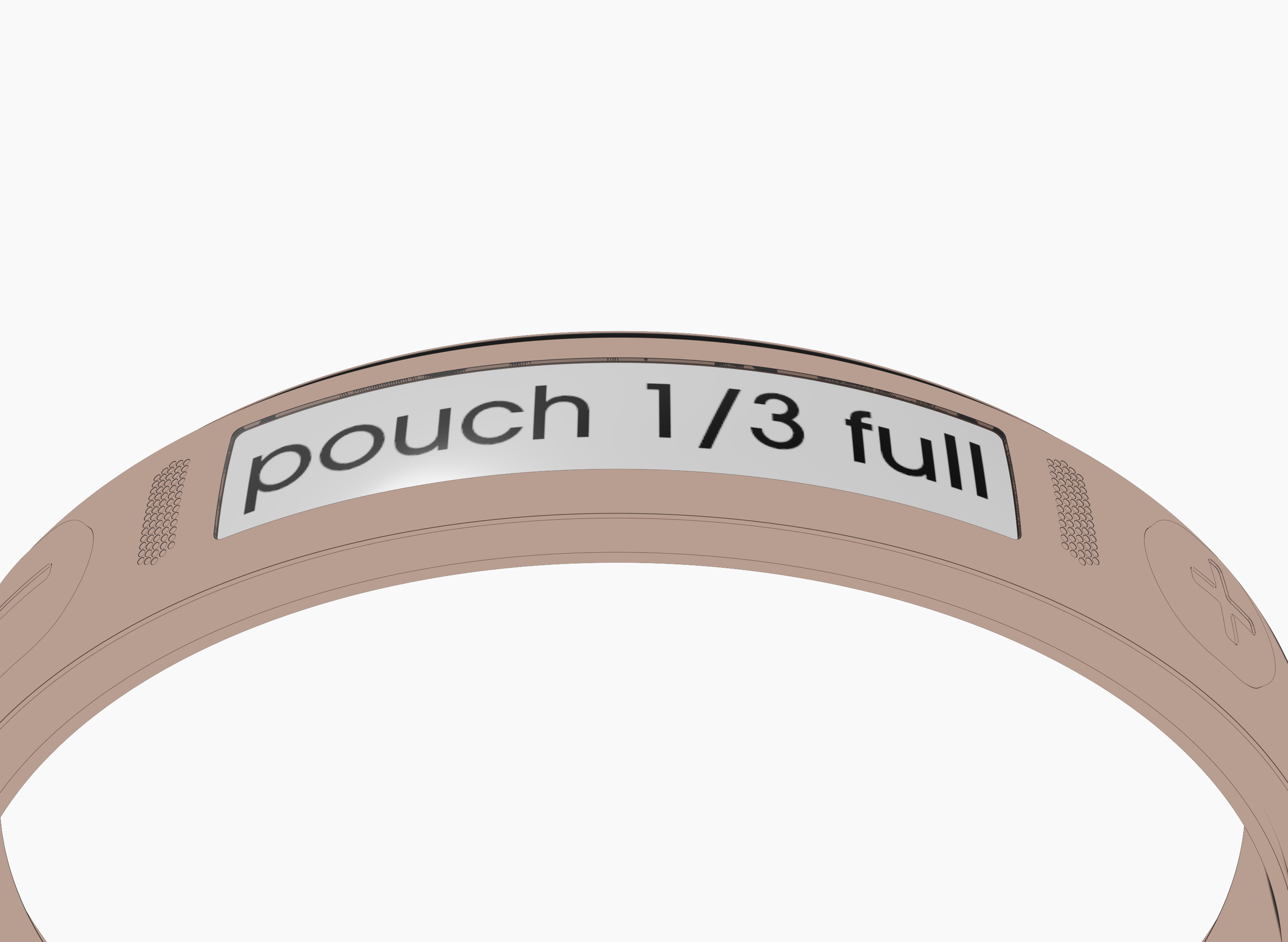
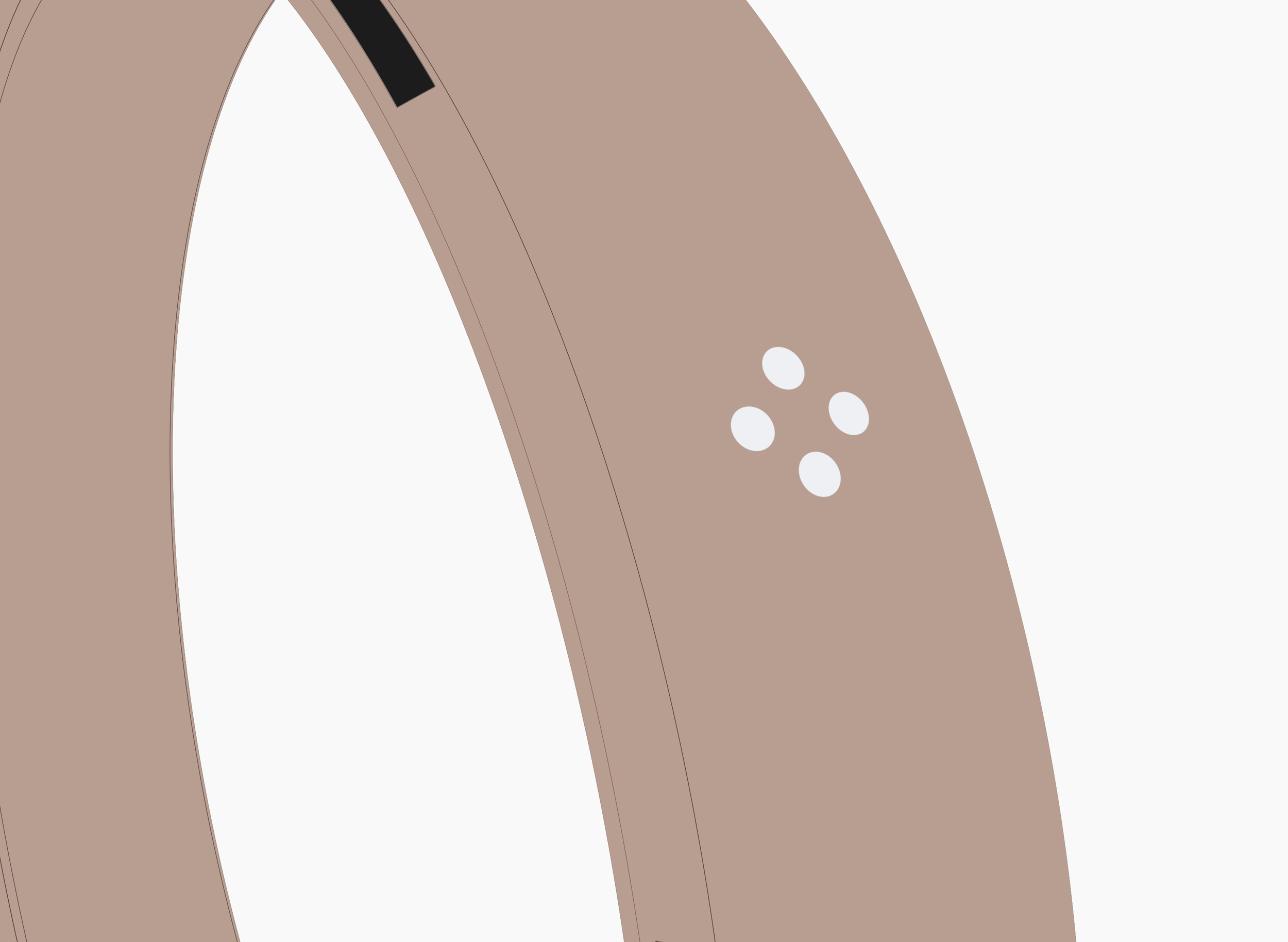
5| As the pouch reaches 1/3 full, the device detects the weight and alerts the user with discreet vibrations.
6| The user can then stop the device from vibrating by pressing the multi-function button on the device.
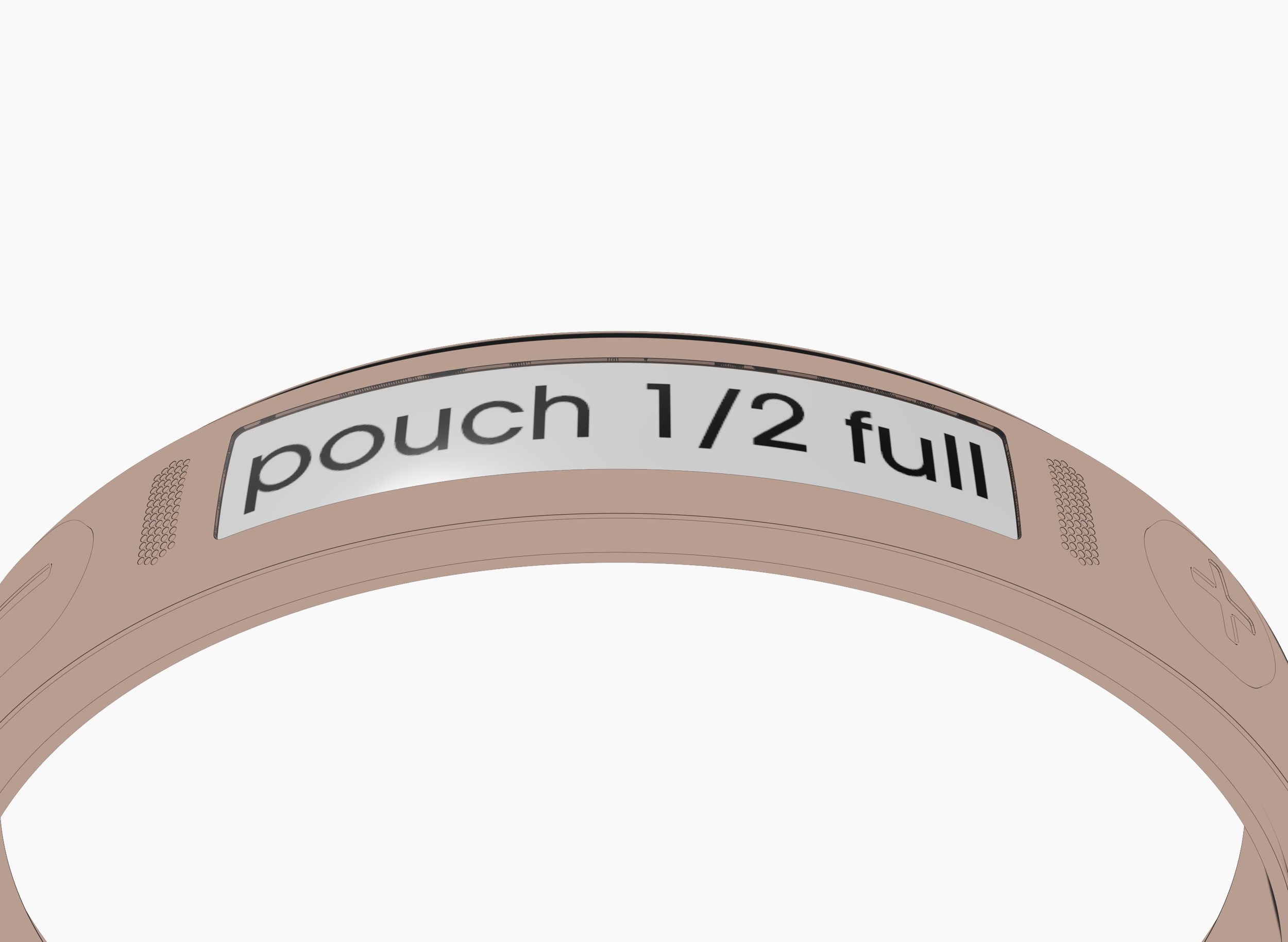
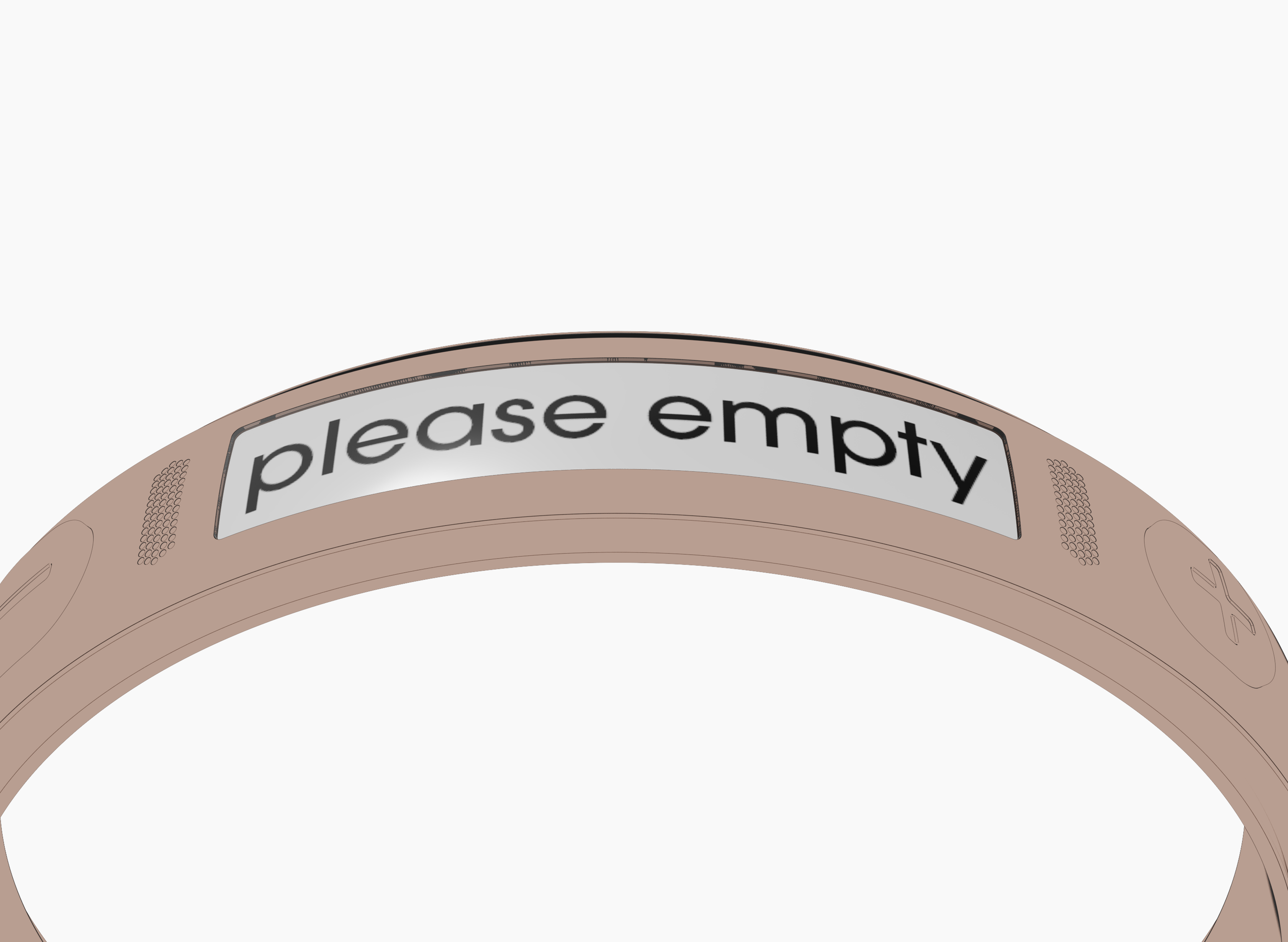
7| If the user does not empty the collection pouch, the device will alarm a second time once it is half full, indicating that it is highly recommended that it should be emptied as soon as possible.
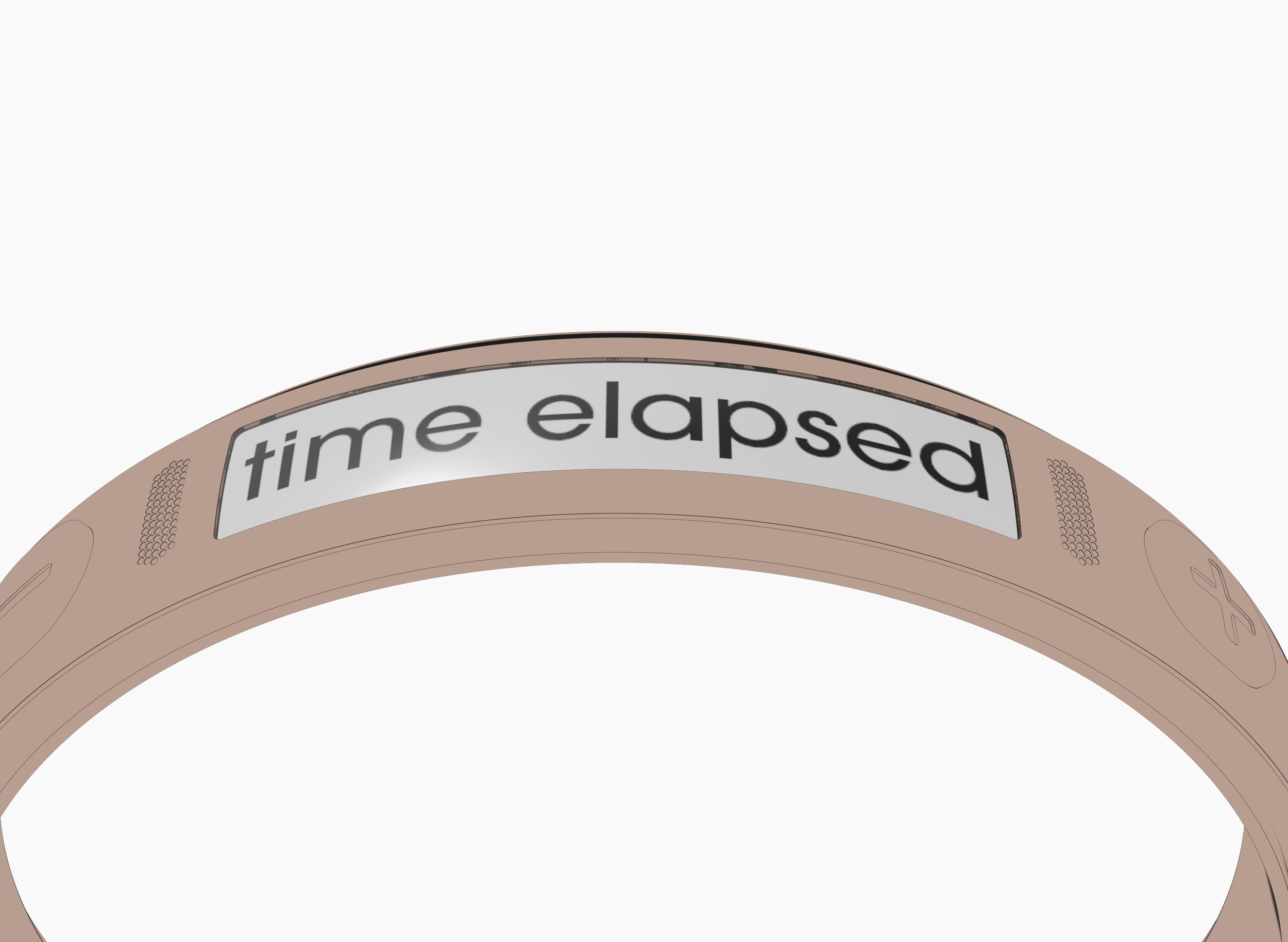
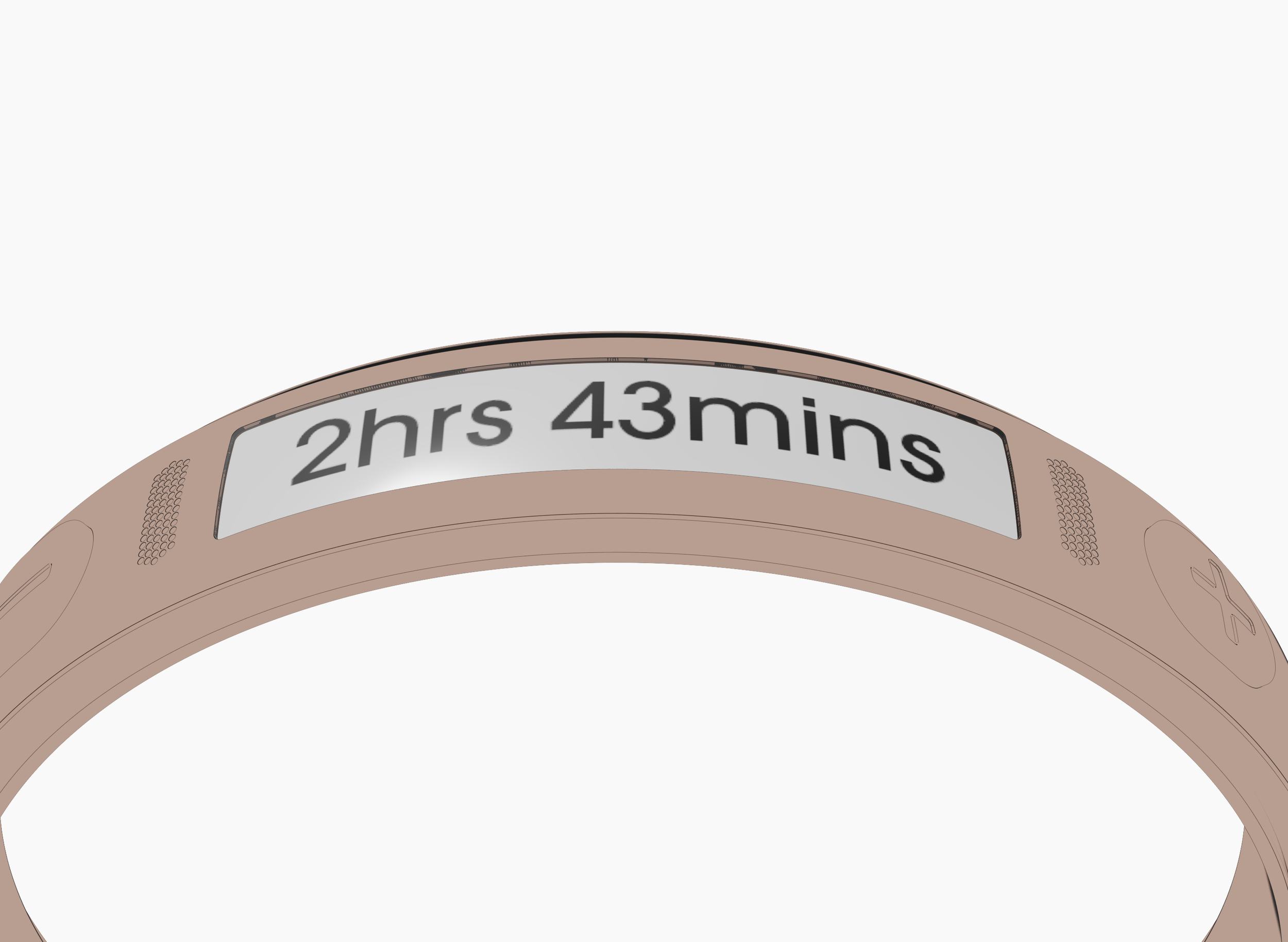
8| Once the user has emptied the pouch, they can record the time taken for the pouch to get 1/3 full, or half full.
9| The user then presses and holds down on the multi-function button to reset the device so that the scale will start weighing the pouch again and the timer will restart.
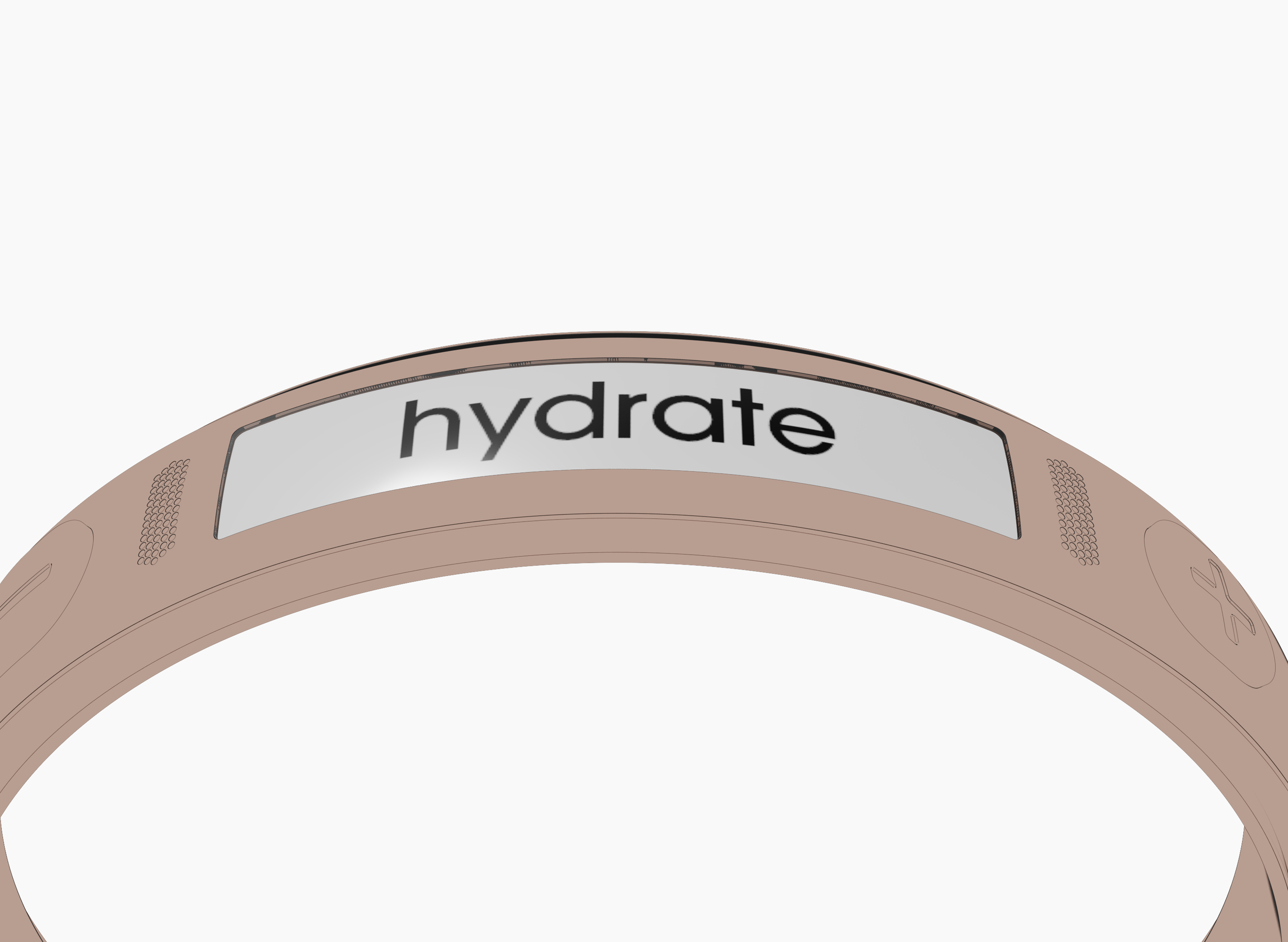
10| As the reset button is pressed, the device will provide a reminder notification for the user to hydrate before the next time they empty the pouch.
5
8
6
1
7
3
2
4
9
10